
Authority
Who decides is set in advance
Groups
#finance, #legal, #board. A person can be in several, as in your company directory.
Authority levels
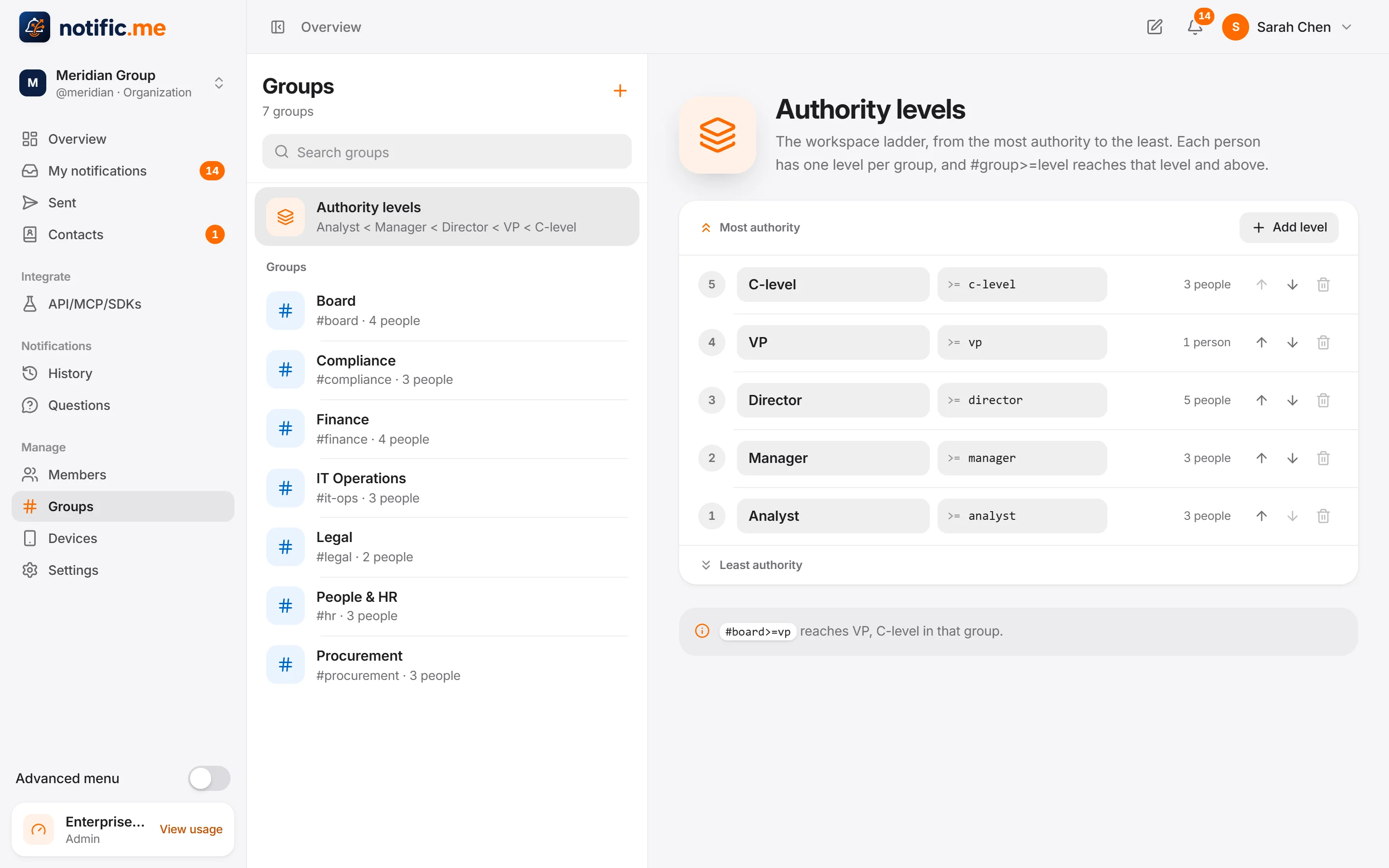
A ladder with your own names: analyst, manager, director, VP. One level per group, so #finance>=manager reaches managers and above in finance.
Decision rules
Anyone, a quorum, a majority, everyone, or one person from each group (four eyes). The person who asked never approves their own request.
Escalation
If nobody answers in time, the request also goes to the next group.
Authority levels
Your ladder, your names
Rename the levels, add new ones and reorder them. Each person has one level per group.
Quorum
Everyone sees where it stands
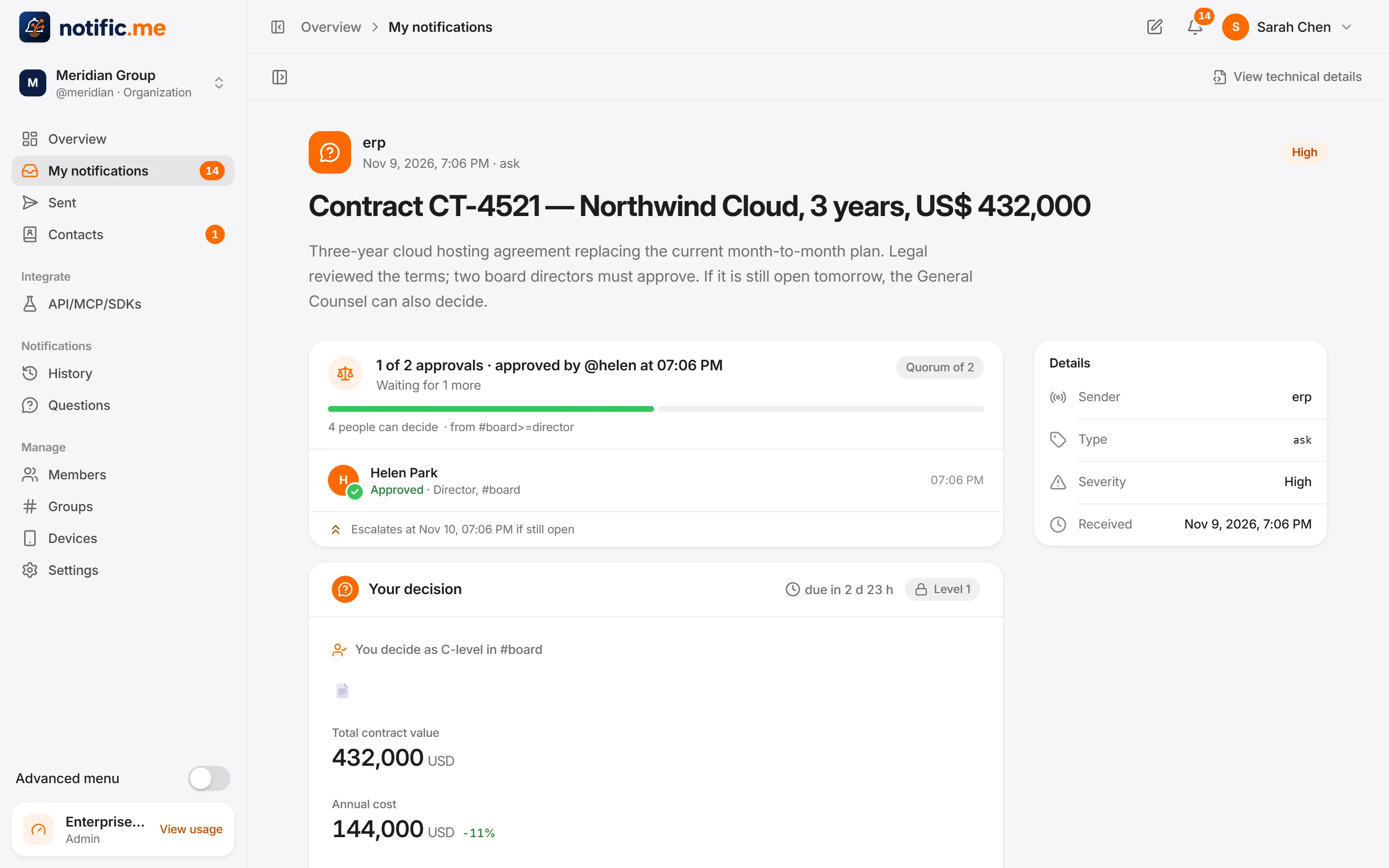
A request with a quorum shows who approved, how many are missing and when it escalates. When it closes, it leaves everyone's pending list.
No code
People ask people
Compose
Write a message or a questionnaire in the app and send it to people, e-mails or a whole group. Ask for a signature when it needs one.
Got it
A message can ask for an acknowledgement, and you see who read it and who confirmed.
Templates
Save the questionnaires you send often and reuse them.
Sent
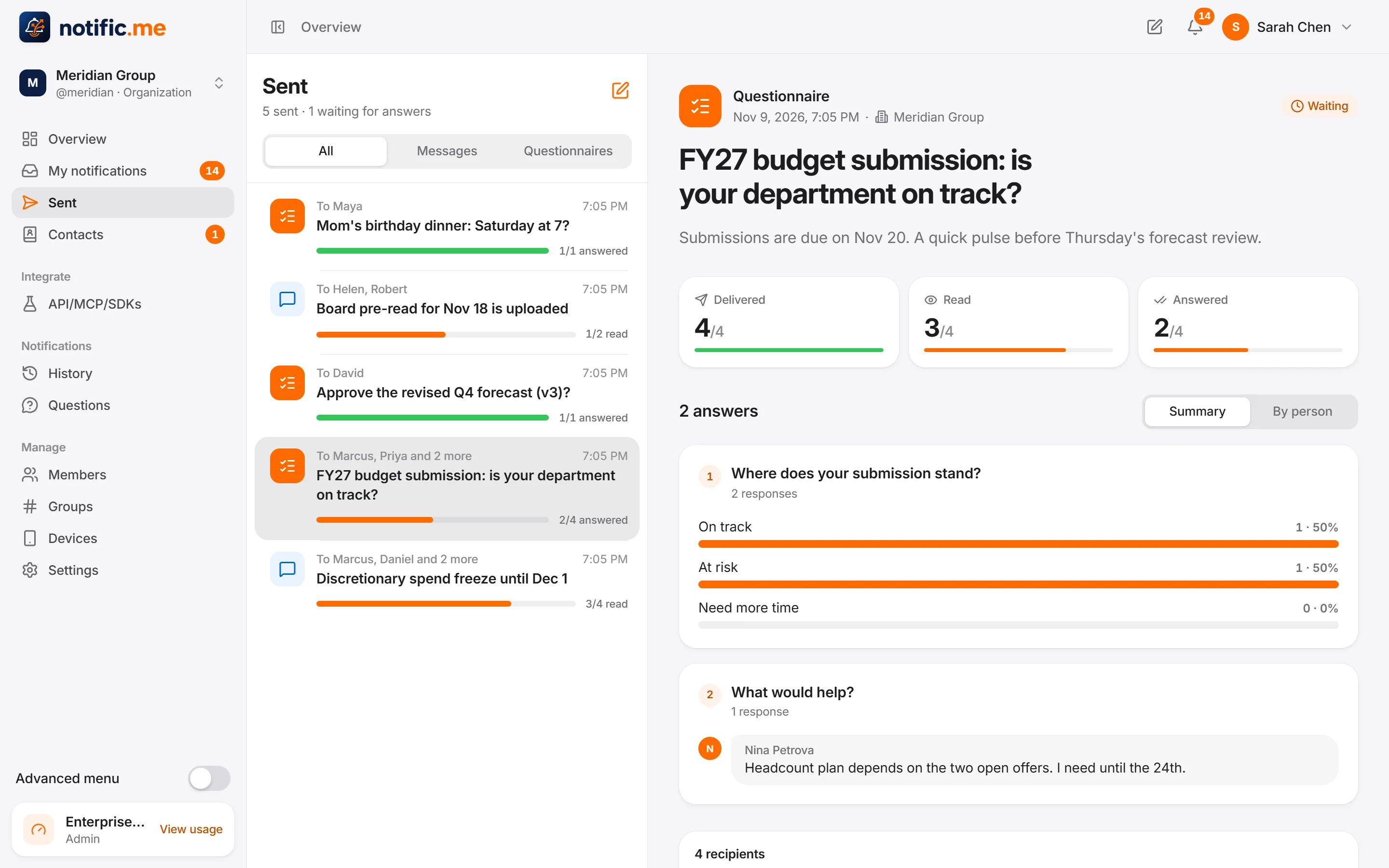
Delivered, read and answered, person by person, with the answers summed up.
Sent
Know who read and who answered
No more asking “did you see my e-mail?”.
Be among the first teams to use it
Tell us what you want to unlock. It helps us decide who to invite first.